
Grammarly vs ChatGPT: Which Writing Tool Actually Wins?
By SM Mehedi Hasan
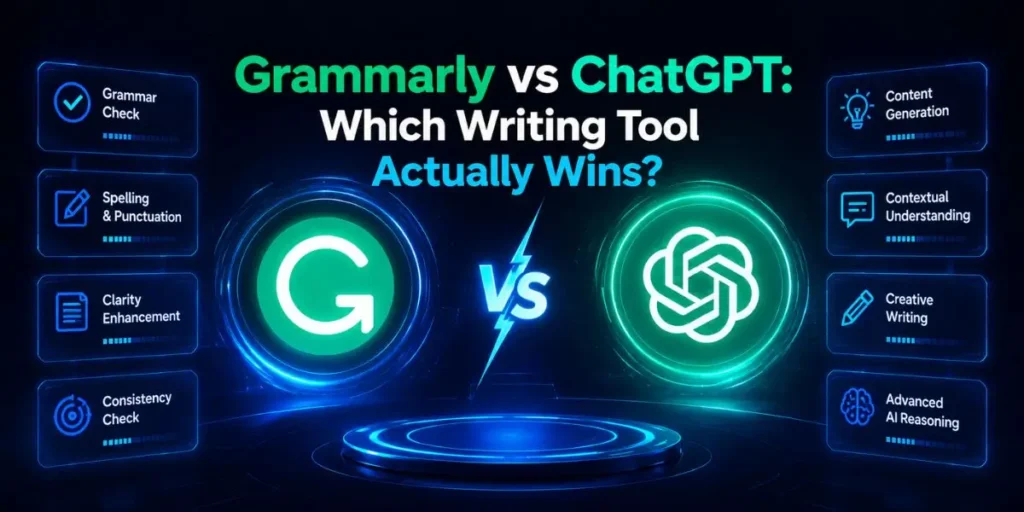
When comparing Grammarly vs ChatGPT, ChatGPT wins for content generation, brainstorming, and drafting from scratch.
But Grammarly remains strictly essential for real-time editing, plagiarism checking, and final tone polishing. Use ChatGPT to do the heavy lifting, and let Grammarly perfect the final output.
| Tool Name | Starting Price | Exclusive Deal |
|---|---|---|
| Grammarly | $12/month (Premium) | Free basic version available |
| ChatGPT | $20/month (Plus) | Free access to standard models |
If you want simplicity and continuous background editing → go with Grammarly.
If you want raw power and full-scale content generation → ChatGPT is the better choice.
I used to treat AI writing assistants like a gimmick that sounded impressive but rarely fit into a serious publishing workflow.
For years, I built and monetized content sites completely by hand, depending on human editors, endless revisions, and way too much late-night coffee.
But here’s the thing — once your publishing schedule starts scaling, manual systems begin slowing everything down.
Producing high volumes of content consistently requires tools that remove friction instead of adding extra cleanup work later.
So I started putting both Grammarly and ChatGPT through real publishing scenarios across active websites.
I tested them while editing affiliate articles, outlining SEO content, rewriting weak drafts, and managing faster turnaround times for content updates.
Compared to what I’ve tried before, these two tools solve completely different problems. One helps you generate ideas and structure at scale, while the other protects your final draft from looking rushed or sloppy.
And honestly, your choice here directly affects both content quality and workflow speed.
Table Of Contents
ToggleWhy is Grammarly Your Always-On Writing Companion?
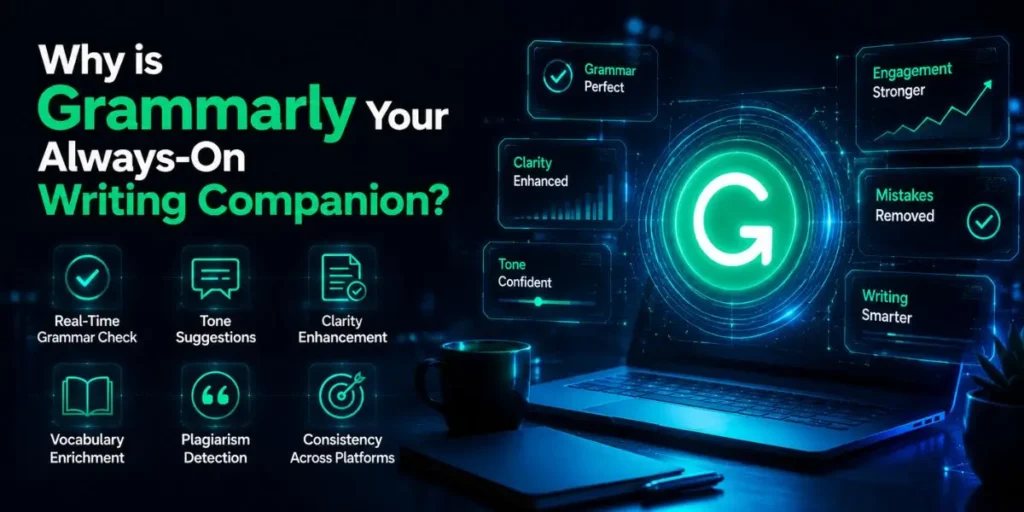
Most people assume Grammarly is just another spell checker, but actually, it behaves more like a live editing layer running quietly in the background.
It sits in your browser, Google Docs, emails, and word processor, continuously checking grammar, spelling, punctuation, and sentence clarity in real time.
When I was editing long-form affiliate guides, this mattered because small mistakes stacked up fast across thousands of words.
Grammarly helped clean up awkward phrasing while I was still typing, rather than forcing me into a huge editing session afterward.
Plus, it is especially useful for catching subtle typos or tone inconsistencies that are easy to miss after staring at the same draft for hours.
Key Features
- Real-time grammar and spell check: Instantly highlights writing mistakes across almost any text field online.
- Tone adjustments: Suggests wording changes to make your writing sound more professional, confident, or conversational.
- Concise suggestions: Flags overly wordy sentences and helps tighten readability.
- Plagiarism checker: Scans your content against billions of indexed pages to help verify originality.
Who It’s Best For
If you’re already writing your own content and mainly need stronger editing support, Grammarly is the better choice.
It works especially well for solo bloggers, freelance writers, editors, marketers, and professionals who want cleaner writing without constantly second-guessing every sentence.
Pros and Cons
Pros:
- Integrates smoothly with Google Docs, Chrome, Microsoft Word, and most browser text fields.
- Catches grammar mistakes and sentence issues that standard spell-checkers completely miss.
- The plagiarism checker adds an extra layer of confidence before publishing client or website content.
Cons:
- Sometimes the style recommendations strip your natural writing voice too much.
- If you only write occasionally, the Premium pricing can feel harder to justify month-to-month.
In My Experience
Honestly, when I first tried using Grammarly Premium for long-form SEO content, it felt almost too aggressive with corrections.
I noticed it repeatedly flagged industry-specific phrases as “unclear” simply because the tool did not recognize the terminology.
But after adding custom brand terms and niche vocabulary into the dictionary, the experience improved dramatically.
And this is where Grammarly separates itself from ChatGPT. Grammarly edits and refines what already exists, while ChatGPT focuses more on generating raw material.
If you’re polishing a 2,000-word guide before publishing, Grammarly is noticeably more dependable for final cleanup, consistency, and proofreading accuracy.
Expert Verdict
Choose Grammarly if you already create your own content and want a reliable editing safety net running constantly in the background.
But if your main goal is generating full articles, brainstorming ideas, or producing drafts from scratch, ChatGPT will give you far more creative power.
Can ChatGPT Really Replace Human Writers?
ChatGPT works more like an on-demand writing partner than a traditional editing tool. Instead of correcting your existing draft, it can generate full articles, outlines, emails, and ideas from a simple prompt in seconds.
Honestly, I expected the outputs to feel generic at first. But once I started using it inside real publishing workflows, the time savings became impossible to ignore.
I now rely on it heavily for brainstorming article angles, building content briefs, drafting introductions, and even repurposing long-form blog posts into shorter social media content.
But here’s the thing — ChatGPT only becomes truly useful once you learn how to guide it properly. Better prompts completely change the quality of the output.
Compared to basic AI writers I tested before, ChatGPT responds far better to detailed instructions, tone guidance, formatting constraints, and workflow-specific requests.
Key Features
- Instant content generation: Creates blog posts, emails, outlines, and drafts within seconds based on your instructions.
- Contextual brainstorming: Generates topic ideas, headline variations, and content angles when you hit writer’s block.
- Format shifting: Can quickly rewrite a harsh sales email into a softer follow-up or turn long-form content into short-form copy.
- Advanced reasoning: Analyzes uploaded files, summarizes large amounts of information, and helps organize complex topics.
Who It’s Best For
If you need speed, scalability, and faster content production, ChatGPT is the stronger option. It fits especially well for content marketers, SEO professionals, affiliate site owners, agencies, and creators managing high publishing volumes.
Pros and Cons
Pros:
- Extremely fast for generating outlines, drafts, and brainstorming ideas.
- Handles multiple formats well, from blog content to coding and creative writing.
- The free version already provides a surprising amount of value without needing payment up front.
Cons:
- Can confidently generate inaccurate information if you do not fact-check carefully.
- Without proper prompts, the writing can become repetitive or sound overly robotic.
In My Experience
One thing that caught me off guard was how confidently ChatGPT produced incorrect information when the prompts were too open-ended.
When I was building SEO topic clusters for technical finance content, the tool invented a fake tax-related regulation that sounded completely believable at first glance.
And this is the biggest difference compared to Grammarly. Grammarly only improves the text already sitting in front of you, while ChatGPT actively generates new material that may or may not be accurate.
So if you need rapid drafting and idea generation, ChatGPT is incredibly effective. But if you publish AI output blindly without reviewing facts, citations, or context, you can easily damage your site’s credibility.
Expert Verdict
Pick ChatGPT if your biggest bottleneck is generating ideas, outlines, first drafts, or scaling content production quickly.
But if accuracy, compliance, or final editing precision matters more than speed, Grammarly still plays a safer supporting role in the workflow.
How Do Grammarly and ChatGPT Compare in Action?
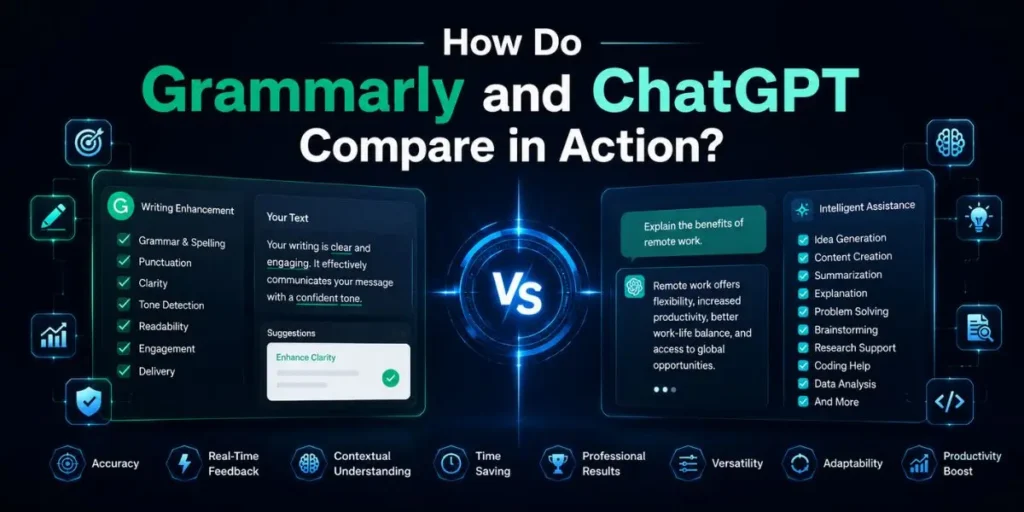
Most people compare these tools as if they were competing directly, but in fact, they address different stages of the writing process.
One focuses on creating content quickly, while the other focuses on cleaning and refining that content before publication.
Scenario 1: Drafting a new blog post from scratch
If you’re staring at an empty document trying to build an article outline, ChatGPT wins easily here.
You can provide a keyword or topic, and within seconds it generates a structured H2/H3 framework that gives you momentum right away.
Grammarly simply is not designed for this type of work. Since it depends on existing text, it cannot help much during the ideation or blank-page phase.
Scenario 2: Editing a client’s submission
When I was reviewing rough freelance drafts, Grammarly consistently saved more time during editing.
I would paste content directly into Google Docs, and the extension would instantly highlight awkward phrasing, punctuation mistakes, passive-voice issues, and readability problems.
ChatGPT can rewrite sections, too, but this is where things sometimes become risky. It often changes the original tone or meaning more aggressively than necessary.
So if preserving the writer’s voice matters, Grammarly is usually the safer choice for editing-focused workflows.
Scenario 3: Repurposing content for social media
Compared to Grammarly, ChatGPT is dramatically stronger for content repurposing. I can paste a 1,500-word article into the prompt box and instantly ask for LinkedIn posts, Twitter threads, email snippets, or YouTube descriptions.
Grammarly still helps during the final polish stage by catching typos or awkward wording. But it cannot summarize, restructure, or creatively transform content the way ChatGPT can.
Who Actually Wins This AI Showdown?
In summary, the best tool for you depends on your specific workflow needs: use Grammarly if you require ongoing editing and final proofreading, and choose ChatGPT if you need to generate content quickly or overcome writer’s block.
Identify where your process slows down to decide which platform will make your writing more efficient.
If you need precision, proofreading, tone cleanup, and editing support, Grammarly is still the better option.
But if your biggest challenge is speed, brainstorming, scaling output, and drafting content quickly, ChatGPT delivers far more raw power.
Testing this alongside the other tool made one thing very clear: the strongest workflow usually combines both instead of replacing one entirely.
My personal process looks something like this:
- Use ChatGPT to brainstorm ideas and generate the rough first draft.
- Manually edit facts, examples, and structure yourself.
- Then run the cleaned draft through Grammarly for final proofreading, clarity adjustments, and typo correction.
That combination saves time without sacrificing content quality.
What Does the Future Hold for AI Content?
AI writing tools are already overlapping in ways that weren’t happening even a year ago.
Grammarly now includes lightweight generative features, while ChatGPT continues improving its grammar handling, formatting consistency, and editing abilities.
But human oversight still matters more than most people realize. I noticed that the best results usually come from treating these platforms like assistants rather than replacements.
They can dramatically accelerate workflows, but they still need direction, judgment, and fact-checking from a real person. So if you’re trying to decide between them, do something simple first.
Open both tools, run the same paragraph through each, and compare the outputs side by side. The differences become obvious very quickly once you see how each one fits into your own workflow.
Frequently Asked Questions
Yes. Grammarly Premium includes an AI detection feature that identifies content that appears to be generated by tools like ChatGPT. If you’re editing client work or managing publishing standards, this can help flag content that needs additional human review.
Yes, ChatGPT naturally produces clean grammar in most cases. But unlike Grammarly, it does not provide dedicated inline corrections or detailed editing explanations directly inside your existing draft.
If you’re a student mainly trying to improve grammar and avoid academic integrity concerns, Grammarly is usually the safer choice. ChatGPT can generate full assignments, which may create policy issues depending on your school’s rules.
If you write professionally every day, Grammarly Premium can easily justify its price through faster proofreading, tone correction, and plagiarism detection. But for occasional writers, the free version may already cover most essential editing needs.

Is an SEO Specialist and AI Tools Researcher with over 4 years of hands-on experience in search engine optimization. As the founder of Smart AI Helper Pro, he tests and reviews AI writing, SEO, and marketing tools to help creators and business owners grow faster with practical, research-backed strategies.