
Best AI Writing Tools for Beginners in 2026: No Tech Skills Needed
By SM Mehedi Hasan
This post contains affiliate links. If you make a purchase, I may earn a commission at no extra cost to you.
If you’re trying to find the absolute best AI writing tool in 2026, Notion AI clearly stands out because of how smoothly it fits into your existing workspace.
The biggest advantage here is simple: your writing and your data stay in one place, reducing a lot of friction in your workflow.
The reality, though, is that it’s not perfect. When I pushed it for long-form SEO blog content, it needed quite a bit of manual guidance to stay on track.
🏆 Best Overall: Notion AI
💰 Best Value: Type
⚡ Best for Research-Backed Content: Perplexity Pages
But here’s what actually matters—the right tool depends on how you work day to day. To help you decide, let’s break down exactly why these tools made the list and where each fits best.
Finding the 10 best AI writing tools for beginners in 2026 isn’t as complicated as it used to be. You don’t need a technical background anymore.
Over the past few months, I tested these tools across real content workflows to see which ones actually save time and reduce that “staring at a blank page” problem.
The Selection Criteria: How I Tested These 10 Tools
To figure out which tools genuinely deliver, I evaluated them in real-world content-creation scenarios, not just on surface-level features.
I focused on platforms that offer:
- Simple, intuitive interfaces (so you’re not stuck learning the tool instead of writing)
- Minimal learning curves (important for beginners)
- Modern 2026 AI agent capabilities (automation, smart suggestions, etc.)
Output quality was a big factor, too. The content had to sound natural enough to publish with minimal editing.
Also, Depending on how you work: I paid close attention to ROI, especially for solo creators and small teams who want to scale without overspending.
Comparison Table: 2026 AI Writing Tools Overview
| Tool Name | Price | Action |
|---|---|---|
| Notion AI | $10/mo | 👉 Add to Plan |
| Perplexity | $20/mo | 👉 7-Day Pro |
| Zapier Central | Free | 👉 14-Day Prem |
| Motion | $29/mo | 👉 7-Day Trial |
| Jasper | $39/mo | 👉 Claim Trial |
| Canva Magic | $15/mo | 👉 Pro Bundle |
| Grammarly | Free | 👉 60% Off |
| Copy.ai | Free | 👉 Start Free |
| Type | $29/mo | 👉 14-Day Trial |
| Lex | $15/mo | 👉 Try Lex |
Choosing the right platform really comes down to balancing your budget with your output goals.
If you need clean, simple text, a free plan can get the job done. However, if you’re looking to scale content or streamline business workflows, investing in tools like Jasper or Copy.ai makes a lot more sense.
1. Notion AI: The Best All-in-One Workspace Integration
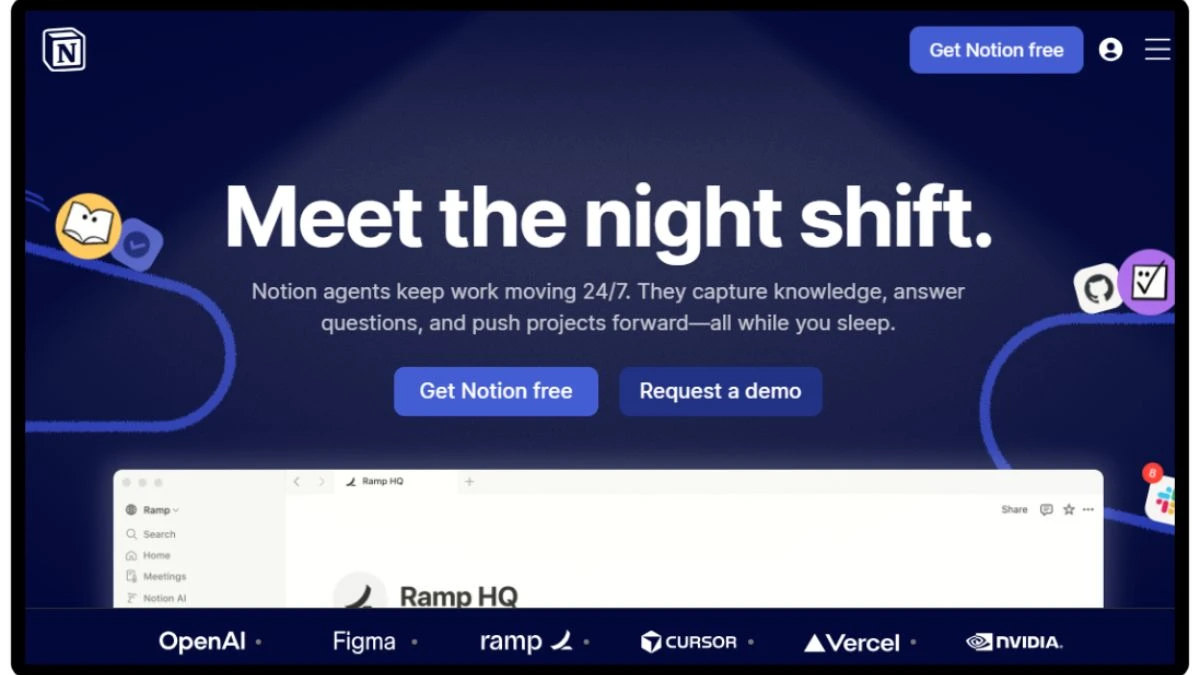
Notion AI turns your existing workspace into a smart writing assistant that actually understands your documents. Instead of jumping between tools, everything happens in one place.
One thing I personally liked is how easily it converts rough notes into usable drafts. I regularly use it to turn messy meeting notes into structured blog content without switching tabs.
Example: turning bullet-point meeting notes into a full article draft in minutes.
Key Features
- Context-aware drafting that reads your existing database pages
- Instant summarizing and action-item extraction from long content
- Built-in translation and tone adjustment tools
Who It’s Best For
Solo users and remote teams who already run their work or life inside Notion.
Pros and Cons
Pros: Highly contextual, extremely fast, and removes the need to switch between tools
Cons: Not ideal for generating long 2,000-word articles from a single prompt
Notion AI
💰 Quick Pricing:
- Plus: $10/mo (Unlimited AI blocks for teams).
- Business: $15/mo (Advanced analytics & security).
- Enterprise: Custom (Dedicated support).
Current Deal: Add-on to any Free/Paid Notion plan.
The Expert Verdict
If you’re already using Notion, this feels like a natural extension of your workflow. It’s not about replacing everything—it’s about making your drafting process effortless and friction-free.
2. Perplexity Pages: Revolutionizing Research-Backed Content
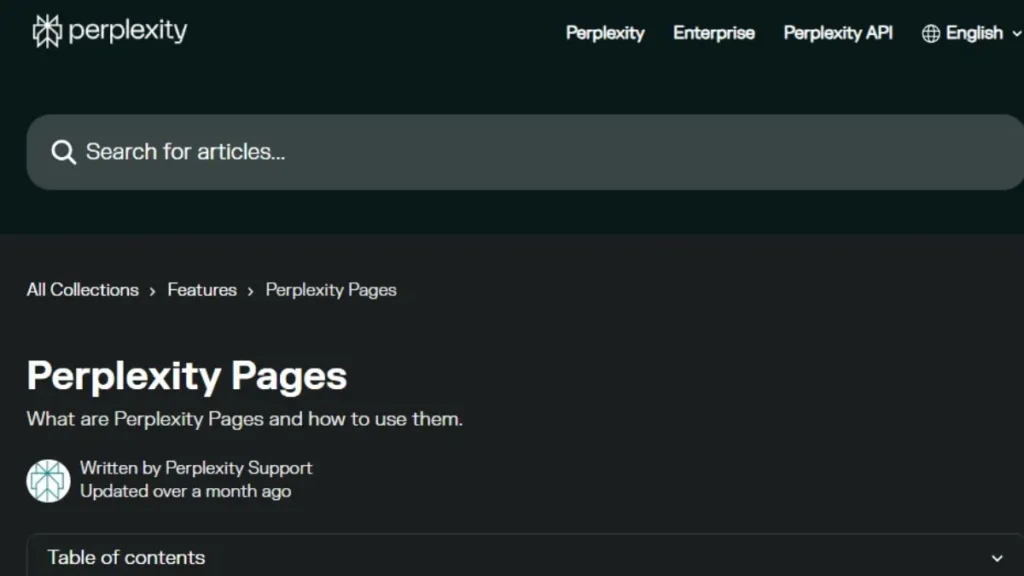
Perplexity Pages takes powerful search capabilities and turns them into clean, structured long-form content. Something that caught my attention was how reliably it automatically adds citations, which is a huge time-saver.
I tend to use it when working on technical or research-heavy guides, where accuracy matters more than creativity.
Example: quickly generating a research-backed outline with sources for a blog post.
Key Features
- Real-time web search integration with accurate, clickable citations
- Automatic content structuring into clear sections
- Interactive visual elements built directly into the page
Who It’s Best For
Researchers, academic writers, and bloggers who prioritize accuracy over storytelling.
Pros and Cons
Pros: Extremely reliable for factual content with transparent sourcing
Cons: Formatting can feel a bit rigid compared to traditional editors
Perplexity Pages
💰 Quick Pricing:
- Pro: $20/mo (200+ daily Pro searches, unlimited file uploads).
- Enterprise: $40/mo (Admin controls, SSO, and team collaboration).
- Free: $0/mo (Standard search & basic pages).
Current Deal: Try Pro features with a 7-day trial or check for carrier deals (Xfinity/Airtel).
The Expert Verdict
If research slows you down, this tool changes the game. It handles the hardest part—finding and organizing reliable information—so you can focus on writing.
3. Zapier Central: Automating Your Writing Workflow

Zapier Central brings AI agents into your workflow, letting you automate content creation tasks without writing any code.
From consistent daily use, once it’s set up properly, it can save a massive amount of time. I configured it to automatically create social media drafts whenever a new blog goes live.
Example: auto-generating LinkedIn posts the moment you publish an article.
Key Features
- No-code AI agents triggered by app activity.
- Integration with thousands of tools you already use
- Customizable automation logic that adapts to your formatting preferences
Who It’s Best For
Content managers and workflow-focused users who want to remove repetitive manual tasks.
Pros and Cons
Pros: Eliminates hours of repetitive work across platforms
Cons: Requires some initial setup and testing to get everything running smoothly.
Zapier Central
💰 Quick Pricing:
Free: $0/mo (2 active AI agents, 400 messages).
Starter: $20/mo (1,500 messages, more agents).
Professional: $50/mo (Unlimited agents, advanced logic).
Current Deal: 14-Day Premium Trial available.
The Expert Verdict
For casual use, it’s helpful. But if you’re scaling content production, this quickly becomes one of the most valuable tools in your stack.
4. Motion: Managing Content Schedules and Drafting
Motion combines AI-powered project management with content scheduling, making sure your work actually gets done on time—not just planned. Instead of manually juggling tasks, it intelligently organizes your schedule.
A detail that stood out: it’s especially useful when your day doesn’t go as planned. I use it to automatically reshuffle writing blocks whenever unexpected meetings pop up.
Example: shifting a blog writing slot to the evening after a client call gets added.
Key Features
- AI-driven calendar management that automatically schedules your writing time
- Smart task prioritization based on deadlines and urgency
- Seamless integration with popular calendar and email tools
Who It’s Best For
Freelancers and content managers often struggle to find consistent time to write.
Pros and Cons
Pros: Removes the stress of manually planning your entire week
Cons: Focused more on scheduling, so you’ll still need a separate writing tool.
Motion
💰 Quick Pricing:
- Individual: $19/mo (AI calendar & task manager).
- Team: $12/mo per user (Collaborative AI scheduling).
Current Deal: 7-Day Free Trial (No commitment).
The Expert Verdict
If your biggest challenge isn’t writing—but finding time to write—Motion becomes incredibly valuable. It helps you stay consistent without overthinking your schedule.
5. Jasper: The Heavy Hitter for Marketing-Specific Brand Voice
Jasper continues to dominate in 2026, mainly because of how well it handles Brand Voice replication. It can closely match your company’s tone, which is critical if you’re publishing across multiple platforms.
After spending time with it, how quickly it adapts once you feed it your existing content. When managing multiple niche sites, it consistently picked up the tone without much correction.
Example: generating product descriptions that match your brand’s exact style.
Key Features
- Advanced Brand Voice training using your existing content
- Enterprise-level security and collaboration tools for teams
- Extensive template library for ads, emails, and landing pages
Who It’s Best For
Marketing teams and agencies handling multiple brands or client voices.
Pros and Cons
Pros: Extremely accurate when it comes to matching tone and style
Cons: The pricing can feel a bit high if you’re just running a small personal blog
Jasper
💰 Quick Pricing:
- Creator: $39/mo (Billed annually) or $49/mo (Billed monthly).
- Pro: $59/mo (Billed annually) or $69/mo (Billed monthly).
- Business: Custom (Enterprise-grade security & unlimited usage).
Current Deal: 7-Day Free Trial + 10,000 Bonus Credits (available via partner links).
The Expert Verdict
If your content needs to sound consistently on-brand across channels, Jasper delivers. It’s not the cheapest option, but for marketing-focused use, it justifies the cost.
6. Canva Magic Write: Best for Visual Creators
Canva Magic Write works directly inside Canva, so you can create content and design visuals without switching tools. This makes the workflow much smoother, especially for social media content.
One thing I personally liked is how fast it helps generate short-form copy while designing. I often use it to create captions while working on visuals.
Example: writing an Instagram caption while editing a reel in Canva.
Key Features:
- Built-in AI writing inside Canva designs and presentations
- Quick brainstorming tools for social media copy
- Brand kit syncing to keep messaging consistent
Who It’s Best For
Creators and social media managers who focus on visual-first content.
Pros and Cons
Pros: Keeps both design and writing in one place, saving time
Cons: Not built for deep, structured long-form writing
Canva Magic Write
💰 Quick Pricing:
- Free: $0/mo (Limited AI credits & standard features).
- Pro: $15/mo (Unlimited AI, 1TB storage, premium assets).
- Teams: $30/mo (Minimum 3 users at $10/each, Brand Kits).
Current Deal: 30-Day Canva Pro Free Trial.
The Expert Verdict
If you’re already using Canva Pro, this is a very convenient add-on. It won’t replace full writing tools, but for quick content, it fits perfectly into your workflow.
7. Grammarly: Advanced Stylistic Suggestions
Grammarly has evolved into much more than a grammar checker. It now acts like a real-time AI editor, helping clean up and refine your writing as you go.
Through regular testing, it’s especially helpful in tightening up messy drafts. I usually run final content through it to make sure everything reads clearly and professionally.
Example: refining a blog paragraph to sound more concise and active.
Key Features:
- Real-time tone detection and suggestions
- AI-powered sentences are rewritten for better clarity.
- Plagiarism checks and formatting guidance
Who It’s Best For
Anyone who writes regularly—students, freelancers, or professionals.
Pros and Cons
Pros: Works across almost every app and website you use
Cons: Can sometimes push changes that feel a bit too aggressive stylistically
Grammarly
💰 Quick Pricing:
- Free: $0/mo (Basic grammar & tone).
- Premium: $12/mo (Full style rewrite, plagiarism check).
- Business: $15/mo (Style guides, centralized billing).
Current Deal: 20% Off Annual Premium Plans.
The Expert Verdict
Grammarly acts as a reliable safety net. It doesn’t replace your writing, but it makes sure everything you publish feels polished and professional.
8. Copy.ai: Scaling Business Workflows With GTM AI
Copy.ai has shifted from a simple writing tool into a full Go-To-Market (GTM) AI platform. In simpler terms is fewer disconnected tools and more centralized automation for your marketing workflows.
I’ve found it particularly useful for handling repetitive processes that usually take up a lot of time. Tasks like lead processing and outreach can be automated with minimal input.
Example: automatically generating personalized outreach emails for new leads.
Key Features
- Pre-built AI workflows based on proven marketing processes
- Infobase system to securely store and use your company data
- Instant translation and localization for global content
Who It’s Best For
Sales and marketing teams are aiming to streamline and automate growth operations.
Pros and Cons
Pros: Consolidates multiple tools into one efficient system
Cons: The wide range of features can feel overwhelming at the beginning
Copy.ai
💰 Quick Pricing:
Free: $0/mo (2,000 words, 1 seat).
Pro: $49/mo (Unlimited words, 5 seats).
Team: $249/mo (20 seats, workflow automation).
Current Deal: Free Forever plan for individuals.
The Expert Verdict
If your goal is to automate your marketing engine, Copy.ai is a strong strategic choice. It takes some time to get comfortable with it, but once set up, it can replace several tools.
9. Type: The Minimalist's Choice for Distraction-Free Writing
Type is a clean, minimalist document editor that introduces AI only when you actually need it. Instead of overwhelming you with features, it keeps the focus on writing.
One thing I personally liked is how calm the interface feels—no clutter, no distractions, just text. When I want to write something thoughtful like a newsletter, this is usually where I go.
Example: drafting a weekly email newsletter without notifications or UI distractions.
Key Features
- Clean, distraction-free interface built around typography
- Subtle AI autocomplete suggestions that adapt to your writing style.
- Simple export options to platforms like WordPress and Ghost
Who It’s Best For
Writers, authors, and newsletter creators who prefer a focused, clutter-free environment.
Pros and Cons:
Pros: Easily one of the most visually pleasing and focused writing experiences available
Cons: Lacks advanced SEO tools and marketing templates found in other platforms
Type
💰 Quick Pricing:
Pro: $29/mo (Unlimited documents, Advanced AI).
Enterprise: Custom (For large content teams).
Current Deal: 14-Day Free Trial (All Pro features).
The Expert Verdict
Type feels like a refreshing alternative in a space full of complex tools. If you want AI to support your writing quietly in the background—not take over—it’s a strong choice.
10. Lex: An AI-First Word Processor for Professionals
Lex works more like a smart writing partner than a typical editor. It provides feedback on your drafts that feels more like a human editor reviewing your work.
One detail worth mentioning was how useful the AI sidebar is for refining ideas. I often use it to rethink structure or improve the flow of longer pieces.
Example: adjusting the pacing of a long-form article using AI feedback suggestions.
Key Features
- Built-in AI chat sidebar for brainstorming without leaving the document
- Advanced feedback tools that analyze tone, structure, and argument clarity
- Smooth collaboration features for working with teams or co-writers
Who It’s Best For
Professional writers, journalists, and creators who want detailed feedback and collaboration tools.
Pros and Cons
Pros: Provides deep, thoughtful feedback that improves overall writing quality
Cons: The interface can feel slightly more technical compared to beginner-friendly tools
Lex
💰 Quick Pricing:
Plus: $15/mo (Unlimited AI usage, high-priority).
Free: $0/mo (Limited AI access).
Current Deal: Try Lex Plus features for free.
The Expert Verdict
If your goal is not just to write faster—but to write better over time—Lex stands out. It’s a powerful tool for improving your craft with consistent feedback.
Final Verdict: Choosing the Right Tool for Your Creative Goals
Choosing the right platform in 2026 really comes down to one thing: where you get stuck in your workflow.
If organizing ideas and content is your biggest challenge, a tool like Notion AI can completely change how you work by keeping everything in one place.
If your focus is scaling output, then tools built around automation—like Zapier Central or Copy.ai—tend to deliver the strongest return. They reduce repetitive work and help you move faster.
What that looks like in practice, don’t just pick the “best” tool—pick the one that removes your biggest bottleneck. Take advantage of free trials, use them in your actual workflow, and stick with the one that feels natural.
Frequently Asked Questions
Yes, Notion AI is generally easier for beginners because it works inside a familiar workspace. Jasper offers more advanced marketing features, but it comes with a slightly steeper learning curve.
Most raw AI-generated content can still be flagged by advanced detection systems. The reality is that adding your own voice, editing properly, and structuring the content yourself make a big difference in reducing that risk.
Copy.ai stands out with a very generous free plan. It’s especially useful for things like quick outlines, social media posts, and brainstorming content ideas.
You do not have enough Humanizer words left. Upgrade your Surfer plan.
