
Notion AI Review 2026: We Tested Its Features (Pros, Cons & Verdict)
By SM Mehedi Hasan
This post contains affiliate links. If you make a purchase, I may earn a commission at no extra cost to you.
Notion AI embeds directly into your workspace, generating text, summarizing notes, and querying databases without switching tabs. Quick verdict: For current Notion power users, it’s an essential add-on with excellent ROI by reducing context switching.
Heavy AI writers, however, may want standalone tools. AI in productivity apps once seemed like a flashy extra few needed. But in the last year or two, that changed quickly.
Nearly every major software company now aims to integrate AI, and Notion entered that race ahead of many others. I first used Notion just to organize blog drafts and client notes.
So when Notion AI arrived in my workspace, I was curious if it could replace some of the separate writing and brainstorming tools I paid for each month.
Compared to what I’ve tried before, Notion AI approaches things differently from standalone tools like Jasper or ChatGPT. Instead of forcing you to jump between tabs, it works directly where your notes, databases, and project systems already live.
That changes the workflow more than you might expect. This review focuses on how the tool actually performs in real content production, under tight publishing schedules and amid messy research workflows—not polished marketing demos.
I wanted to see whether the extra monthly fee genuinely saves time or just adds another AI button nobody consistently uses.
Table Of Contents
ToggleHow Does Notion AI Compare to the Competition?
Notion AI stands out by prioritizing workspace integration rather than acting like a standalone chatbot or marketing writer.
| Tool | Best For | Price |
|---|---|---|
| Notion AI | Workspace automation | Check $20/mo |
| ChatGPT Plus | Deep logic & coding | Check $20/mo |
| Jasper | Marketing copy | Check $39+/mo |
Compared to dedicated AI writing platforms, Notion AI feels less specialized but more practical for operational workflows. ChatGPT is significantly stronger for reasoning, brainstorming, coding help, and advanced prompting.
Jasper still performs better for conversion-focused marketing copy and campaign writing. But here is where Notion AI wins: context. It understands the workspace you are already building inside Notion.
So the decision really comes down to workflow priorities:
- Choose Notion AI if your focus is on task organization, database automation, meeting notes, and workflow management.
- Choose ChatGPT Plus if you need stronger reasoning, coding assistance, and flexible prompting.
Choose Jasper if your business depends heavily on high-volume marketing content and brand-focused copywriting.
How Easy Is the Setup and Onboarding?
Setup is almost ridiculously simple because the AI is already built into the software. You hit the spacebar on a blank line, and the AI prompt instantly appears.
I noticed the onboarding felt far less frustrating than setting up most third-party AI integrations. There are no API keys to deal with, no technical backend settings, and no browser extensions quietly eating RAM in the background.
The thing is, it feels like part of the editor from the start, not an awkward add-on bolted on the side. That makes a huge difference when you spend hours writing or managing projects inside Notion every day.
When I switched between Notion AI and standalone writing tools, the biggest difference was the lack of context-switching. With Jasper or ChatGPT, I constantly found myself copying outputs back and forth between tabs.
Here, everything stays in one place. If you already understand basic Notion slash commands, the learning curve is practically zero. So for existing Notion users, onboarding is effortless.
New users, though, may feel slightly overwhelmed by the empty workspace at first. Notion still expects you to know what you want the AI to do.
What Are the Core Features Like in Practice?
Notion AI splits its capabilities across several workflow-focused features. I spent weeks testing them during content planning, database management, research organization, and internal documentation tasks.
How Does the Writing Assistance Perform?
The writing tools focus mainly on brainstorming, summarizing, rewriting, and drafting. Results are generally solid, though there are clear limitations beyond standard content tasks.
While outlining a technical SEO article, the brainstorming feature generated a surprisingly organized H2 and H3 structure almost instantly. It basically handed me the framework for a long-form article in seconds.
Plus, the drafting tool handled introductory sections reasonably well and generated usable body copy with minimal prompting.
This works well for fast first drafts, but it breaks down when the topic becomes highly technical or requires fresh industry-specific information. The generated writing can sometimes feel a little too safe.
You still need human editing, especially if you care about brand voice or originality. But for internal documentation, meeting summaries, quick outlines, or rough drafts, it genuinely speeds things up.
If your goal is workspace productivity and idea organization → Notion AI makes more sense.
If you mainly want high-volume long-form marketing content → dedicated AI writers still perform better.
Can It Handle Data Organization and Database Augmentation?
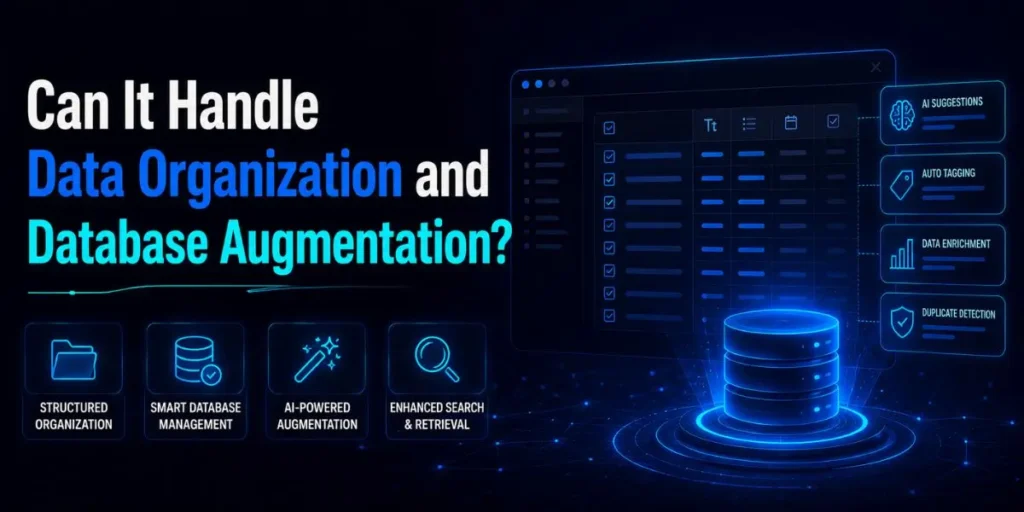
Most people focus entirely on the writing features, but actually, the database automation tools are where Notion AI becomes genuinely impressive.
If you’re already managing large databases inside Notion, this feature saves an absurd amount of manual work. I tested it using a content calendar database filled with article drafts and research notes.
After creating a custom AI property, Notion AI automatically generated meta descriptions for every entry based on page content. Instead of manually filling dozens of rows, the system populated the entire column in minutes.
So here is what actually happened. The more structured my workspace became, the more useful the AI felt. It handled tagging, summarizing long research documents into compact table cells, and extracting action items surprisingly well.
For project managers, agency owners, and operations-heavy workflows, this feature alone can justify the monthly cost.
Is Content Transformation Actually Useful?
Content transformation includes rewriting, simplifying, translating, and expanding existing text.
Honestly, I expected better from the translation side. It handles casual Spanish or French communication reasonably well, but I would not trust it with highly technical landing pages or sensitive sales copy without human review.
The nuance simply is not always there.
One thing that caught me off guard was how useful the “Expand” feature became during client work. I would dump rough bullet points from a call directly into Notion, highlight them, and let the AI convert everything into readable updates for Slack or internal docs.
Also, the simplification tool does a surprisingly good job removing overly corporate wording from dense documents.
🧠 In My Experience
What I didn’t expect was how valuable Notion AI became during a large website audit workflow. I had hundreds of messy audit notes scattered across a giant database, and manually organizing them would have taken forever.
Using the AI autofill properties, I extracted “Critical Errors” from each page and turned unstructured notes into clean summaries almost instantly.
Compared to standalone AI tools, this felt far more workflow-oriented because the AI interacted directly with the database rather than acting like a disconnected chatbot.
Pricing & ROI
The pricing makes the most sense if your business operations already live inside Notion. The time saved from avoiding constant tab-switching alone can easily justify the monthly cost.
Quick Pricing:-
- Free Plan: $0 — Limited AI responses to test features
- Plus Plan: $10/user/mo (annual) — Basic AI writing only
- Business Plan: $20/user/mo (annual) — Full AI access including AI Agents and Ask Notion
Note: Standalone AI add-on is no longer available for new users
Check Notion’s official pricing page for latest updates.
For solo bloggers and SaaS founders already organizing work inside Notion, the Plus plan at $10/month covers basic AI needs. But for full AI access including AI Agents and database automation, the Business plan at $20/month is where the real value lives.
Compared to paying for multiple separate AI tools, that still feels relatively affordable.
Is the Performance Fast and Reliable?
Speed and responsiveness are generally excellent, although performance still depends somewhat on server load and your internet connection.
When I tested it during heavy research sessions, the responses appeared on the page almost immediately.
Summaries, grammar corrections, and quick formatting tasks were consistently fast. So, for day-to-day workflow assistance, reliability is stronger than I initially expected.
If I had to compare it directly with standalone AI writing tools, Notion AI feels slightly less powerful creatively but much smoother operationally because everything happens in the same workspace.
This works really well for productivity tasks, but it struggles when you ask it to generate highly detailed, long-form content from scratch. Basic summarization and organization tasks met my expectations most of the time.
Creative writing, though, was more inconsistent. Some outputs felt clean and usable, while others sounded overly generic and needed substantial rewriting before publishing.
I ran into occasional issues when formatting large tables and complicated databases. Sometimes the AI would stop midway through a task or randomly generate columns I never requested.
Plus, block formatting could occasionally become messy when transferring information between drastically different layouts. Thankfully, these glitches were rare enough that they never seriously interrupted my workflow.
What Are the Pros, Cons, and Unexpected Finds?
No AI tool gets everything right, and testing Notion AI across multiple projects exposed both genuinely useful strengths and a few frustrating weaknesses.
The Pros:
- Seamless integration inside the Notion ecosystem removes constant tab-switching.
- Database autofill features save an enormous amount of time during project management.
- Excellent summarization abilities for long notes, research dumps, and action-item extraction.
The Cons:
- Full AI access requires the Business plan at $20/month — basic Plus plan only includes limited AI writing features.
- The generated writing often feels generic and still needs strong human editing.
- Real limitation: Formatting consistency can break when handling large databases, complex tables, or dramatically different block structures.
Unexpected Discoveries:
One thing that surprised me was how useful the “Fix Spelling and Grammar” feature became during content editing. I honestly stopped relying on Grammarly for quick cleanup drafts inside Notion.
My workflow eventually became pretty simple: write rough content inside Notion, highlight the entire section, let the AI clean up awkward phrasing, and then move the polished draft into WordPress.
It is not a perfect Grammarly replacement, but for lightweight editing, it performs far better than most people expect.
Who Benefits Most from Notion AI?
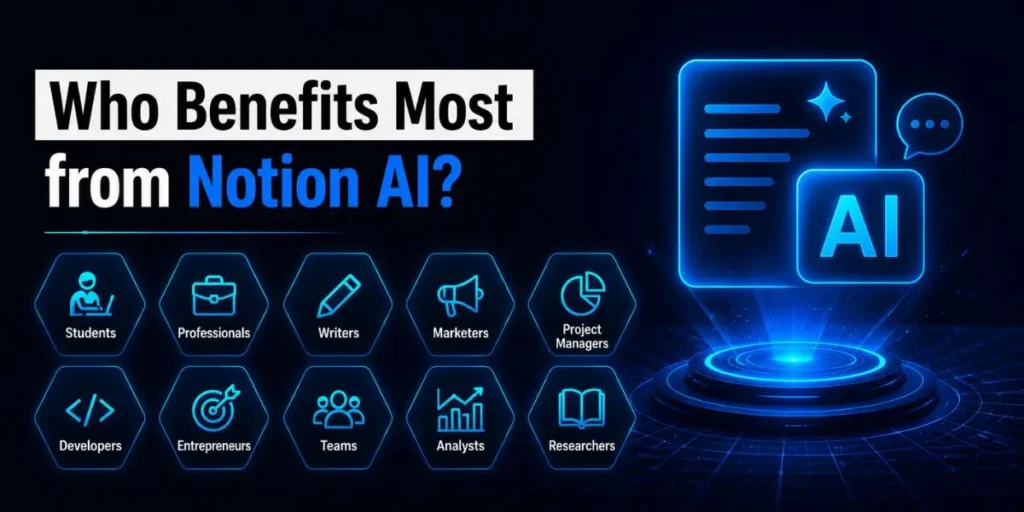
Notion AI is clearly designed for people who already spend most of their working hours inside the Notion ecosystem.
If you’re managing content calendars, client deliverables, product documentation, or research databases, this tool fits naturally into your workflow.
Only bloggers, SaaS founders, startup teams, and agencies will likely see the biggest returns, as the AI focuses heavily on organization and workflow acceleration rather than pure content generation.
Most people assume AI tools should replace writers completely, but in fact, Notion AI works better as a smart assistant than as a full creative engine.
If your primary goal is generating highly optimized blog posts, sales copy, or advanced marketing campaigns at scale, tools like ChatGPT or Jasper remain stronger choices.
So the distinction becomes pretty simple:
- If you need workspace automation and organization → choose Notion AI.
- If you need powerful standalone content generation → ChatGPT or Jasper will serve you better.
And honestly, if you do not already use Notion daily, paying for the AI add-on alone probably does not make much sense.
Final Verdict: Should You Buy Notion AI?
After testing it extensively across content workflows and database-heavy projects, my answer is yes — but only for the right type of user.
Testing this alongside standalone AI tools made one thing clear: Notion AI performs best when it enhances an existing workspace rather than replacing an entire content team.
If you already use Notion every day, upgrading to the Business plan for full AI access feels like a natural extension of the platform.
It quietly saves time, organizes messy information, summarizes research, and reduces repetitive admin work without forcing you into another app.
But if your main goal is pure AI writing power, there are stronger standalone alternatives available. ChatGPT delivers better reasoning and flexibility. Jasper produces more polished marketing copy.
Notion AI sits in a different category altogether — workflow intelligence instead of content-first generation.
AI-powered workspaces are clearly the direction modern productivity tools are heading. And tools that solve problems directly where your data already exists have a huge practical advantage.
So if your entire workflow already lives inside Notion, trying the AI add-on on a messy database or overloaded project board is honestly the fastest way to understand its value.
Frequently Asked Questions
Notion offers a limited number of free AI responses, allowing users to test the features before committing to a paid subscription. Once those responses run out, you need the Business plan at $20/month for full AI access. New users can no longer purchase a standalone AI add-on.
Yes, it can generate a complete draft from a prompt. The thing is, the writing often sounds generic and could use significant editing. You will still need to refine the structure, improve the voice, and fact-check important details before publishing.
According to Notion’s privacy documentation, private workspace data is not used to train their core AI systems unless users explicitly opt in or provide consent.
Unlike standalone AI chat tools, Notion AI works directly inside your existing notes, databases, and documents. ChatGPT operates independently, so you usually need to copy and paste information between platforms manually.
