
What Are the Cons of InVideo AI? 5 Big Risks to Avoid
By SM Mehedi Hasan
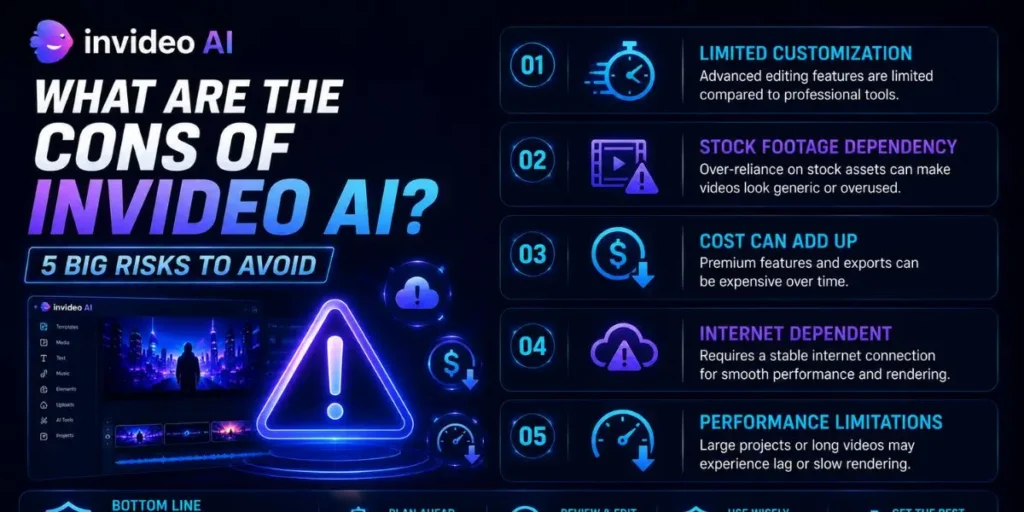
The biggest cons of InVideo AI include generic output from over-automation, limited visual customization, factual inaccuracies (AI hallucinations), performance issues on complex projects, and total dependence on a stable internet.
Understanding these risks helps you use the tool effectively without compromising quality.
Creating videos from text prompts honestly feels unreal the first time you try it.
You type a few lines, wait a couple of minutes, and suddenly there is a fully edited video with narration, transitions, and stock footage already stitched together.
InVideo AI has quickly become one of the biggest names in AI video generation because of that speed.
The platform promises to turn rough ideas into publish-ready videos almost instantly, which is exactly why so many creators are experimenting with it right now.
Most people assume this completely replaces manual editing, but in fact, there is a trade-off behind the scenes. The faster the workflow becomes, the more creative control you usually give up along the way.
Compared to what I’ve tried before with traditional editors, InVideo AI feels incredibly efficient for quick production tasks. But relying on it too heavily can make your content blend into the sea of other AI-generated videos online.
Understanding the platform’s limitations is what helps you use it properly without damaging your brand quality.
Table Of Contents
ToggleCon #1: Automation Creates Generic, Lifeless Content
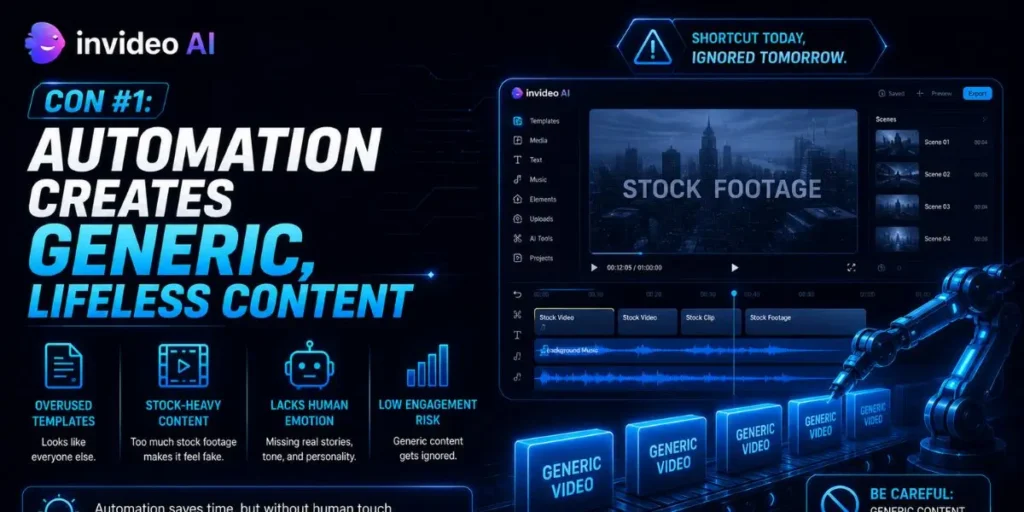
Automation speeds things up, but it also strips away a lot of the small human decisions that make content memorable. That is the hidden downside of instant video generation.
When an AI system controls the visuals, pacing, script flow, and voiceover style, your videos start pulling from the same creative patterns everyone else is using.
The platform often relies on similar stock footage libraries, storytelling structures, and editing rhythms across thousands of projects.
If you are trying to grow a recognizable YouTube channel or brand identity, originality matters a lot more than people think.
Audiences notice when content starts feeling repetitive or mass-produced, even if they cannot immediately explain why.
So here is what actually happened for many creators: they discovered AI works best as a drafting assistant, not as a full replacement for human creativity.
The strongest results usually come from combining automation with manual storytelling decisions.
My Take
Honestly, when I first tried generating a complete video using only AI prompts, the final result felt strangely empty. Technically, everything worked. But the personality just was not there.
I was creating a short promotional video for a local coffee shop, and the AI instantly filled the timeline with generic cafe footage, smiling customers, and a script that sounded overly corporate.
It looked polished at first glance, yet it could have represented almost any business. What I didn’t expect was how much manual cleanup I still needed to do afterward.
I ended up rewriting most of the narration and replacing nearly 80% of the stock clips just to make the video feel remotely authentic. The AI gave me structure and speed, but the actual emotional tone still needed human input.
Con #2: Visual Customization Is Surprisingly Limited
No, visual customization inside InVideo AI can feel surprisingly limited once you move beyond simple projects. The platform still relies heavily on predefined templates and AI interpretation.
You describe the visuals you want, and the system tries to guess which match your prompt. Sometimes it works well. Other times, the generated scenes feel completely disconnected from the mood or branding you had in mind.
Achieving a very specific visual identity can become frustrating fast. The thing is, the tool prefers to operate within its own creative guardrails rather than give you unrestricted editing flexibility.
This works well for fast-moving social content, but it falls short when you need exact brand colors, precise typography, or carefully controlled pacing.
That is usually when the platform’s technical limitations become much more noticeable.
To get around this, manual intervention becomes necessary. You often need to upload your own footage, replace stock clips, adjust text placement yourself, and fine-tune scenes one by one.
In My Experience
One thing that caught me off guard was how restrictive the visual editor felt compared to a traditional editing timeline.
When I was working on a project for a client with strict brand guidelines, I found myself constantly fighting the AI’s design choices rather than collaborating with it.
I needed a very specific teal shade across all the text overlays and transitions. Getting the AI to consistently understand that, without manually adjusting every scene, became exhausting after a while.
It showed me pretty quickly that InVideo AI handles broad visual direction reasonably well, but fine-detail customization still requires a lot of hands-on correction.
Con #3: AI Hallucinations Create Factual Errors
AI hallucinations happen often enough that you should never publish generated scripts without reviewing them carefully first.
The problem is not that the AI sounds uncertain. It is usually the opposite. InVideo AI can present incorrect information with complete confidence, making the mistakes feel believable unless you already know the topic well.
If your videos include educational content, historical facts, business advice, or statistics, these inaccuracies can seriously damage your credibility. Even one incorrect detail can make viewers question the rest of the content.
Rigorous fact-checking is not optional here. You need to review every generated sentence manually before rendering the final version.
Hands-On Verdict
What I didn’t expect was how subtle some of the factual mistakes could be.
I generated a short explainer video covering the history of digital marketing, and the AI confidently claimed that Google Ads launched in 1998. The correct launch year was actually 2000.
Honestly, I assumed the system would at least handle basic historical timelines accurately. Instead, I realized AI models can sometimes generate information that sounds perfectly reasonable while still being completely wrong.
That experience taught me something important very quickly: when using AI video tools, you still need to act like the editor-in-chief of your own content.
Con #4: Complex Projects Cause Performance Issues
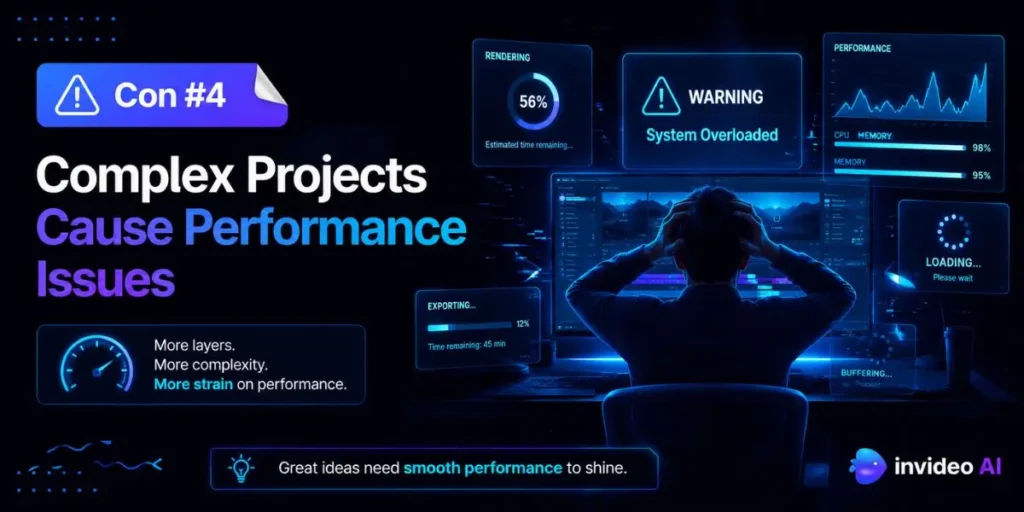
InVideo AI starts struggling once you push it beyond short-form content. The platform works best for quick 1-to-3-minute social clips where speed matters more than deep editing flexibility.
But when you move into longer, story-driven projects, the cracks begin to show. Multi-scene timelines, layered audio, advanced transitions, and detailed pacing adjustments can quickly overwhelm the system.
Rendering times also increase much faster than many people expect. Complex edits can make the browser interface feel sluggish, especially when several effects or scene changes stack.
Compared to what I’ve tried before with desktop editors like Adobe Premiere Pro, cloud-based AI tools simply don’t deliver the same level of performance for heavy editing workflows. They prioritize convenience over raw editing power.
So the key is understanding where InVideo AI actually fits. It works great for rapid content production and lightweight social videos, but traditional editing software still handles long-form or highly customized projects far better.
What I Found
I ran into an issue while building a 10-minute explainer video with layered narration, multiple transitions, and detailed scene sequencing.
The preview playback started stuttering halfway through the edit. Frames were constantly dropped, and the browser tab began consuming an absurd amount of RAM.
What I didn’t expect was having to split the project into three separate exports just to make the rendering process stable enough to finish properly. That completely changed how I approached longer projects inside the platform.
If your workflow depends on advanced timelines or precise editing, this tool can end up slowing you down more than it helps.
Con #5: Full Dependence on Internet Connection
Because InVideo AI runs entirely in the cloud, your internet connection becomes part of the editing software itself. The moment your connection becomes unstable, the entire workflow can stop instantly.
Internet outages affect everything. Editing, exporting, saving progress, and even loading project timelines. You are fully dependent on both the platform’s servers and your own internet provider at all times.
Platform downtime creates another problem people often overlook. If InVideo experiences bugs, maintenance windows, or temporary outages, your projects can suddenly become inaccessible until the system recovers.
If you are working under a client deadline or trying to publish time-sensitive content, an unreliable internet connection can pose a genuine workflow risk. Even small interruptions can delay exports or corrupt progress.
So here is what actually helps: always keep local copies of your scripts, uploaded assets, and important project files outside the platform.
In My Experience
After using this tool for about a week while traveling and working remotely, I realized just how fragile cloud-based editing can feel in real-world conditions.
I was sitting in a coffee shop with unstable Wi-Fi, trying to export a final client video. The progress bar reached 99% and then froze for nearly twenty minutes before the export failed entirely.
Unlike traditional editing software, where I usually start a render and walk away, I found myself constantly monitoring the browser tab to make sure nothing crashed mid-process.
One thing that caught me off guard was how stressful that dependency became once deadlines were involved. It taught me pretty quickly that relying solely on cloud AI editors during travel or when the internet is unstable is risky.
Common Pitfalls to Avoid
Here are some of the most common mistakes beginners make when using AI video generators like InVideo AI:
Accepting the first draft
Many new users generate a video and publish it immediately without making edits. That usually leads to bland, overly generic content that feels identical to hundreds of other AI-generated videos.
Always revise the script, pacing, visuals, and scene flow before exporting the final version.
Ignoring audio levels
AI voiceovers sometimes overpower the background music or create awkward volume imbalances between scenes.
You need to manually review and adjust audio levels so dialogue, music, and sound effects blend naturally rather than competing for attention.
Using broad prompts
Generic prompts usually create generic videos. Typing something vague like “make a video about dogs” gives the AI almost no creative direction.
More specific prompts produce significantly better results. Include details about tone, pacing, audience type, visual style, and desired mood whenever possible.
Moving Forward Safely with AI Video
AI video generators are incredibly useful assistants, but they work best when guided by human judgment instead of replacing it completely.
Understanding these limitations helps you use InVideo AI strategically rather than depending on it for every creative decision.
The strongest videos usually happen when creators actively refine the scripts, replace weak stock footage, and manually shape the final storytelling flow.
Honestly, the people getting the best results from AI video tools are not the ones automating everything. They are the ones combining speed with careful editing and maintaining a consistent brand voice throughout the process.
Frequently Asked Questions
Yes. InVideo AI offers a free plan that includes limited generation credits and watermarked exports. Paid subscriptions unlock premium features and remove watermarks.
You generally retain the rights to your generated videos, although the stock media used in projects still follows the platform’s licensing rules.
Yes, the platform includes AI voiceovers that sound surprisingly natural in many cases. Still, pronunciation, pacing, and emotional tone sometimes require manual adjustments for better results.
It depends on the project type. InVideo AI is significantly faster for short, template-based videos, while tools like Adobe Premiere Pro remain much stronger for advanced editing, long-form storytelling, and highly customized production workflows.

Is an SEO Specialist and AI Tools Researcher with over 4 years of hands-on experience in search engine optimization. As the founder of Smart AI Helper Pro, he tests and reviews AI writing, SEO, and marketing tools to help creators and business owners grow faster with practical, research-backed strategies.
