
Why Does Ahrefs Show Different Traffic Than Google Analytics? (2026 Data Explained)
By SM Mehedi Hasan
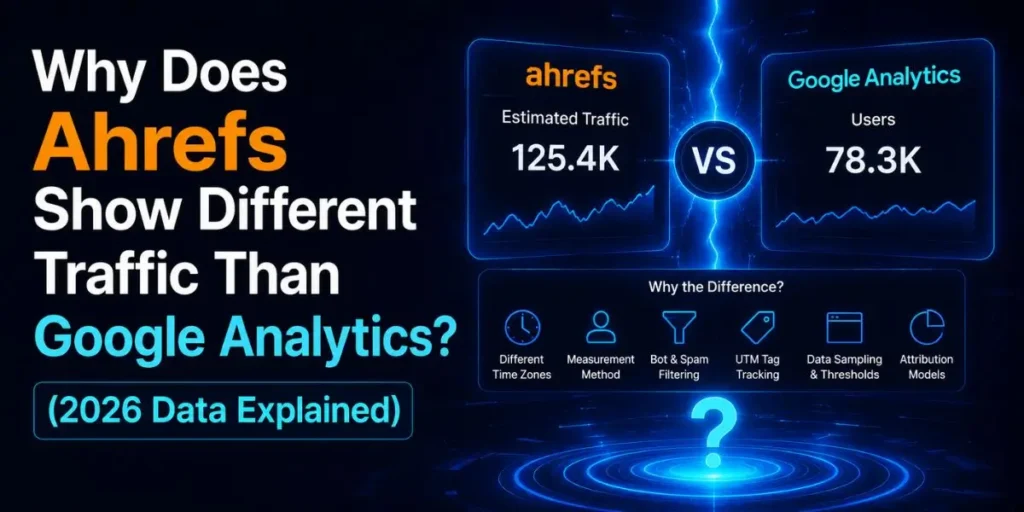
Ahrefs shows different traffic than Google Analytics because the two tools measure completely different things.
Ahrefs estimates only your organic search traffic using keyword rankings and modelled click rates, while Google Analytics records real visitors from every source. So a gap is not a bug. It is expected.
If you have ever opened both tools side by side and seen one say 2,700 visits and the other say 10,000, you are not imagining things.
This mismatch is one of the most common questions in SEO, and the answer matters more in 2026 than ever.
Below, I will break down exactly why Ahrefs shows different traffic than Google Analytics, what the latest studies reveal, and which number you should actually trust for each decision.
Table Of Contents
ToggleWhat Is Each Tool Really Measuring?
Google Analytics measures real people who landed on your site. Ahrefs estimates how much organic search traffic your pages probably get, based on rankings and click models. That single difference explains most of the gap.
Think of it as two different instruments pointed at the same building from different angles. One counts everyone who walks through the door. The other guesses the crowd size from the street.
Here is the core split:
| Google Analytics | Ahrefs |
|---|---|
| Tracks actual sessions on your site | Estimates organic traffic only |
| Counts every source: direct, social, email, paid, referral, organic | Counts search clicks it can model |
| Uses a tracking tag on your pages | Uses crawl data plus a click-rate model |
| Reports real user behavior | Reports a directional estimate |
So when people ask why the numbers never line up, the honest answer is that they were never built to.
Why Does Ahrefs Show Different Traffic Than Google Analytics?
Ahrefs shows different traffic than Google Analytics because it reconstructs your traffic from the outside instead of recording it from the inside. It never touches your real visitor data. It infers everything.
Five things drive the difference:
- Ahrefs only tracks organic search. Direct visits, newsletter clicks, social shares, and paid ads are invisible to it. Google Analytics catches all of those.
- It tracks popular keywords, not every keyword. There are billions of search terms. No tool indexes all of them, so Ahrefs samples the keywords it can see and misses the long tail.
- Search volume is an estimate. The monthly volume you see is modelled, not pulled from Google’s real query logs.
- The click-through rate is a research model. Ahrefs assumes a certain click rate per ranking position. Your actual click rate could be double or half that.
- Crawl timing lags. Ahrefs data usually updates on a delay, while Google Analytics is close to real-time.
Stack those five together, and you get a number that is useful for comparison but rarely matches reality on the visit.
In My Experience
Honestly, when I first started auditing client sites, this gap drove me a little crazy. I had one content site where Ahrefs reported roughly a third of what Google Analytics showed for the same month.
The reason became obvious once I dug in. A big chunk of that site’s traffic came from an email list and direct brand searches, none of which Ahrefs could ever see.
The pages also ranked for dozens of long-tail queries that Ahrefs simply wasn’t tracking. Once I stopped expecting the numbers to match, Ahrefs became far more useful as a trend tool than as a counter.
What Do the 2026 Studies Actually Reveal?
Recent data shows the tools agree less than most people assume, and the gap widens as your traffic grows.
A 2026 analysis by Collaborator examined more than 7,500 websites and measured how closely the three main tools tracked each other.
The correlation results were surprising:
| Tool pair | Correlation |
|---|---|
| Ahrefs and Search Console | 0.67 (strongest) |
| Ahrefs and Google Analytics | 0.59 |
| Google Analytics and Search Console | 0.42 (weakest) |
Read that last row again. Google’s own two tools, Analytics and Search Console, agreed with each other the least. That alone should kill the idea that any single number is the absolute truth.
There is more. A separate look at Ahrefs data compared with Search Console found a median deviation of around 49.52%, meaning the typical site sees its estimate off by roughly half in either direction.
And the study confirmed something every SEO has felt: the bigger your traffic, the noisier the estimates get.
In My Experience
The thing that surprised me most was how the gap scaled. On small sites under a few thousand visits, Ahrefs and Analytics were often in the same ballpark.
But on a high-traffic site I managed, the estimate drifted hard. More traffic meant more keyword variations, more branded and direct visits, and more zero-click behaviour, all of which pulled the two numbers apart.
If you only check one site and panic, you miss that this is a pattern, not a personal failure.
The Part Most Articles Get Wrong: Google Analytics Is Not the "Truth" Either
Most guides treat Google Analytics as the gold standard and blame Ahrefs for every difference. That framing is wrong. Google Analytics undercounts and misattributes traffic, quietly distorting your reports.
Here is what actually leaks out of Google Analytics 4:
- Consent banners and privacy mode. When visitors decline cookies, GA4 either models the gap or misses those sessions entirely.
- Ad blockers and tracker blockers. A real visitor with a blocker installed never fires your tag, so they vanish from the count.
- “Direct” misattribution. Plenty of genuine search clicks land in the Direct bucket when referrer data gets stripped, which understates your organic numbers.
- AI-driven surfaces. Clicks from newer AI search formats are often not cleanly labelled, so organic looks smaller than it is.
So the picture is messier than the usual “Ahrefs is just wrong” take. Both tools distort. They just distort in opposite directions and for different reasons.
In My Experience
I ran into this hard during a reporting cycle where a client swore their traffic had dropped. Google Analytics agreed with them. The panic was real.
But Search Console told a different story, showing impressions and clicks holding steady. The culprit turned out to be a new cookie consent setup that was quietly suppressing a slice of GA4 sessions.
The traffic had not gone anywhere. The measurement had changed. That experience permanently broke my habit of trusting one dashboard.
How Do AI Overviews and Zero-Click Search Widen the Gap in 2026?
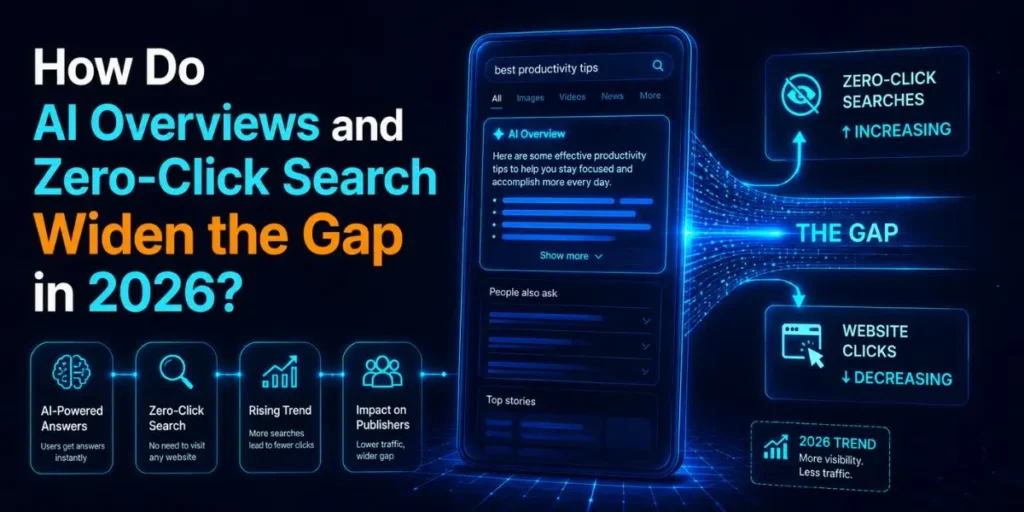
AI Overviews widen the gap between Ahrefs and Google Analytics by breaking the link between ranking and clicks.
Your page can rank well, which Ahrefs rewards with a high estimate, while the actual click never happens because the answer sits inside the AI summary.
The data here is striking. Pew Research found users click a result only about 8% of the time when an AI Overview appears, compared to 15% without one.
Ahrefs analyzed Search Console data and reported a 58% drop in click-through rate for the top pages once an AI Overview appeared. A 2026 field experiment estimated that AI Overviews cut organic clicks by roughly 38%.
Zero-click behaviour makes it worse. Around 60% of searches now end without a click to any website, and for news queries, that figure hit 69% in mid 2025 according to SimilarWeb.
The organic click-through rate in one 2026 dataset was just 0.61% when an AI Overview was present, versus 1.62% without.
Then came the structural shift. Google’s AI Mode rolled out to Chrome in April 2026 and began routing many clicks through a side-panel session that Google Analytics often logs as Direct or None.
So the search visit still happens, but Analytics files it under the wrong source.
Here is why all of this pulls the two tools apart:
- Ahrefs sees the ranking and assumes a click that may never come, so its estimate can run high in AI-heavy niches.
- Google Analytics sees fewer real sessions because so many searches end inside the result page.
- The gap is no longer just about methodology. It now reflects a genuine collapse in clicks per ranking position.
In My Experience
Compared to similar tools I have used over the years, nothing exposed this shift like watching Search Console and Analytics drift apart on an informational blog. Impressions kept climbing. Clicks flattened.
The pages were ranking better than ever, yet the visits told a sadder story. AI Overviews were eating the clicks before they reached the site.
That is the single biggest reason 2026 traffic reports feel confusing, and it is exactly why ranking alone is no longer a trustworthy traffic predictor.
How to Reconcile Ahrefs and Google Analytics (Step by Step)
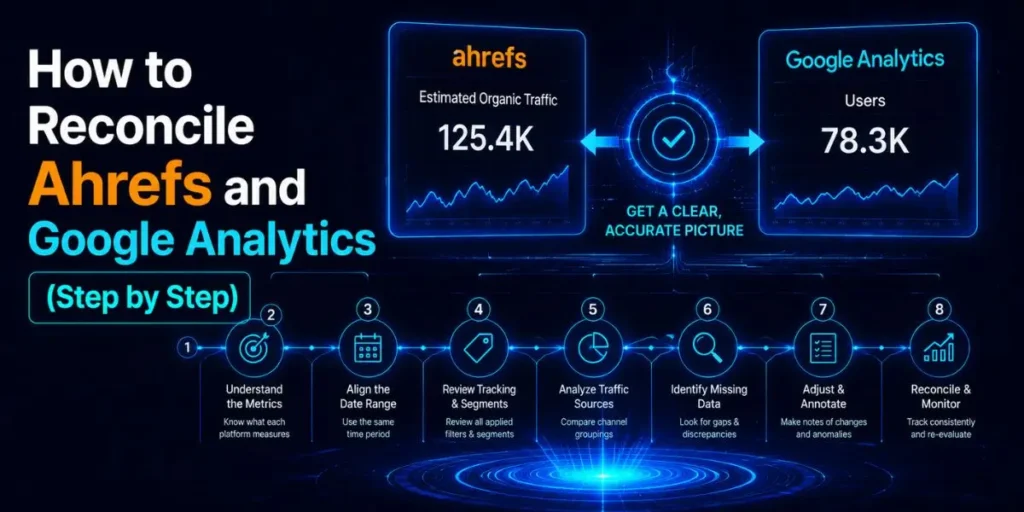
- Match the data type before anything else. Filter Google Analytics to organic search only, since Ahrefs estimates organic traffic. Comparing all-source GA against organic-only Ahrefs is the number one mistake, and it makes the gap look far bigger than it is.
- Pull Search Console as your referee. Open the Performance report and compare clicks for the same period. Because Search Console measures real Google clicks, it sits between the two tools and tells you which one is drifting.
- Check your AI Overview exposure. Manually search your top 20 traffic queries and note where an AI Overview appears. Where it does, expect low real clicks even with strong rankings, which explains the high Ahrefs estimate alongside low GA sessions.
- Audit your tracking setup. Test your consent banner, check for tag-blocking, and confirm GA4 is firing on all key pages. If real sessions are being suppressed, GA is the one understating, not Ahrefs overstating.
- Compare trends, not single numbers. Line up three months of data from each tool. If all three move in the same direction, trust the trend. If they conflict, that is your signal to investigate before reporting.
Pro tip: Always compare the same date range with the same timezone settings. A simple mismatched reporting window can create a false discrepancy, leading you to chase a problem that does not exist.
Pro tip: Build a tiny three-column tracker with Ahrefs estimate, GA organic sessions, and GSC clicks for your top 10 pages. Watching them month over month teaches you your site’s normal gap, so real anomalies stand out instantly.
Common Pitfalls to Avoid
- Comparing all traffic to organic-only. This inflates the gap and panics people for no reason. It happens because GA4 defaults to total sessions.
- Treating Ahrefs as a visit counter. It is a visibility estimator. Using it to bill advertisers on exact numbers will burn you.
- Ignoring branded and direct traffic. Ahrefs cannot see these, so a strong brand always looks underreported there.
- Forgetting timezone and date alignment. A one-day offset quietly skews every comparison.
- Assuming a decline is real before checking GSC. Half the “traffic drops” I investigate are tracking changes, not lost visitors.
A Real Workflow Example
Say your blog post ranks number two for a keyword. Here is the full flow.
- Input: Ahrefs estimates 1,200 monthly visits for that page based on its ranking and a modelled click rate.
- Process: You filter GA4 to organic search and find 540 actual sessions for the same page. You then open Search Console and see 600 clicks, but 30,000 impressions.
- Output: Search Console confirms the page ranks and gets seen, yet most searches end without a click. You manually check the query and find an AI Overview sitting on top.
- Result: The gap is not a tracking error. Ahrefs counted the ranking, Google Analytics counted the few real clicks, and the AI Overview absorbed the rest. Your reporting now reflects reality instead of guesswork.
Which Tool Should You Trust for Which Decision?
The right tool depends on the question you are asking. No single dashboard wins every time, so match the tool to the job.
| Your goal | Best tool to trust |
|---|---|
| Counting real visitors and conversions | Google Analytics 4 |
| Confirming real clicks from Google | Search Console |
| Comparing competitors you cannot access | Ahrefs |
| Spotting ranking and visibility trends | Ahrefs plus Search Console |
| Reporting traffic to clients or advertisers | Google Analytics, backed by GSC |
Use this as your default. When two tools disagree, let the goal decide which one leads.
Frequently Asked Questions
Ahrefs traffic is a directional estimate, not an exact count. It is useful for comparing sites and tracking visibility trends, but it should never be treated as your real visitor number.
Because Ahrefs only sees organic search and misses your direct, branded, social, and email traffic. It also tracks limited keywords, so it usually reports fewer than Google Analytics.
Google Analytics is more accurate for real visits, since it records actual sessions. Ahrefs is better for estimating competitors and spotting search visibility trends you cannot measure directly.
Yes. AI Overviews reduce clicks even when rankings stay strong, so Ahrefs estimates can look high while Google Analytics sessions fall. This widens the gap in 2026.
Absolutely. Search Console measures real Google clicks and sits between Ahrefs estimates and Analytics sessions, making it the best referee when the two tools disagree.
None of them, and all of them. Ahrefs gives you a visibility estimate, Google Analytics gives you real sessions filtered through tracking limits, and Search Console shows real search clicks. Each one is a different angle on the same site.
The smart move in 2026 is to stop hunting for one perfect number. Read all three together, watch the trends, and account for AI Overviews eating clicks before they reach you. Do that, and the discrepancy stops being confusing and starts being useful.

Is an SEO Specialist and AI Tools Researcher with over 4 years of hands-on experience in search engine optimization. As the founder of Smart AI Helper Pro, he tests and reviews AI writing, SEO, and marketing tools to help creators and business owners grow faster with practical, research-backed strategies.
